Managing Overlay Folders (Dev Home)
NOTE: Generally the Tools SKU enables you to upgrade the Tools from the XDK without having to upgrade other XDK components (e.g., headers, libraries, game OS). The Overlay Folders feature is an exception in that it depends on support from the game OS, which is released as part of the XDK but not the Tools SDK. As a result support for Overlay Folders functionality in XDK tools is only available when you use May 2018 XDK or later (ideally, June 2018 XDK or later).
The Games & Apps section of the Dev Home Home Page lists the games and apps installed on your console. From here you can configure an Overlay Folder for your game. For more information on Overlay Folders, see Debugging with Overlay Folders.
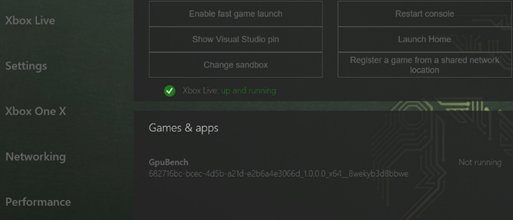
To configure an overlay folder for your game:
- In the Games and Apps section, select the name of your game.
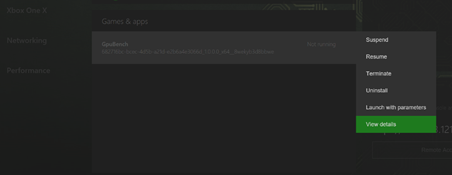
- Click the View button on your controller. The View context menu will be shown.
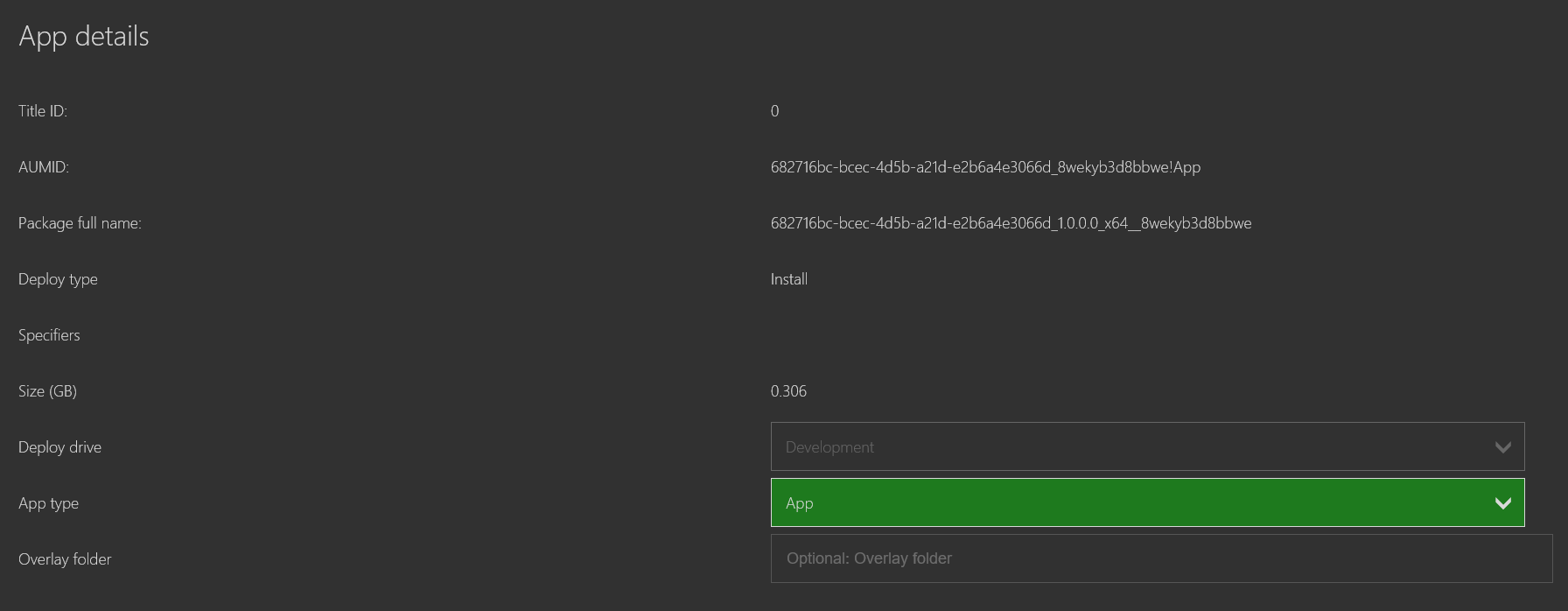
- Click the View Details menu item. The ** View Details** page for your game will be shown.
- In the Overlay Folder text box, enter the Overlay Folder path you want to use for your game.
- Press the Close button.
View context menu
View Details page