Loading Data
Kinect Studio supports loading sensor data from an Xbox Event File (XEF).
To load sensor data from a local XEF file
- On the File menu, click Open….
- In the Open dialog that appears, navigate to the desired XEF file and then click Open.
Additionally, double-clicking a local XEF file in Explorer or on the desktop will open that file in a new instance of Kinect Studio.
To load sensor data from the XEF repository on the console
- On the File menu, click Open from Repository.
- Double-click the desired XEF file.
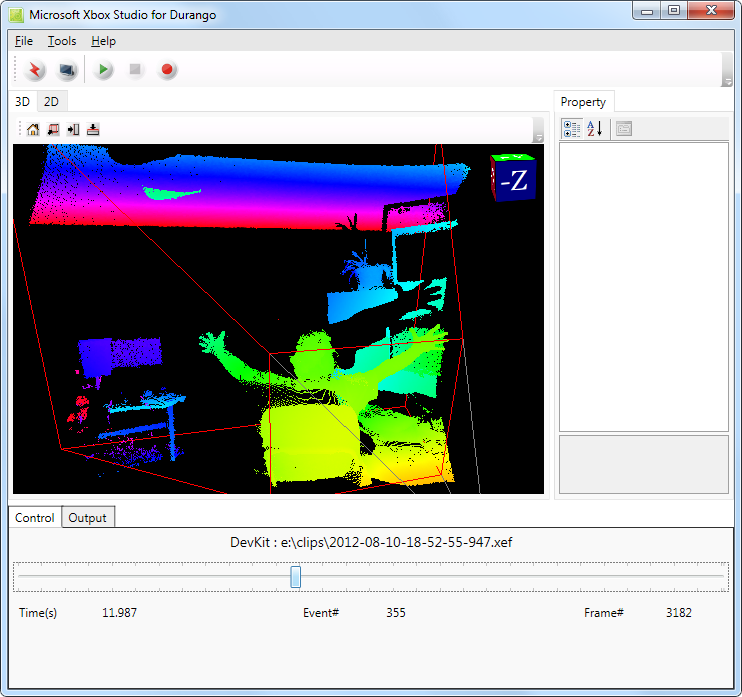
Figure 1. 3D View, Depth Color Point Cloud, No Body Frame
Note Kinect Studio supports the Xbox Event File (XEF) format. It does not support XED files or the old XED file format. The Xbox Event File (XEF) format is incompatible with Xbox Studio 1.0 due to new sensor data streams.