Configure Achievements 2017 (service configuration)
In the Achievements 2017 system, the only configuration needs for an achievement are its name, locked & unlocked descriptions, display image, and reward information. (Note: Valid achievement rewards still include: Gamerscore, art rewards, and in-game rewards.)
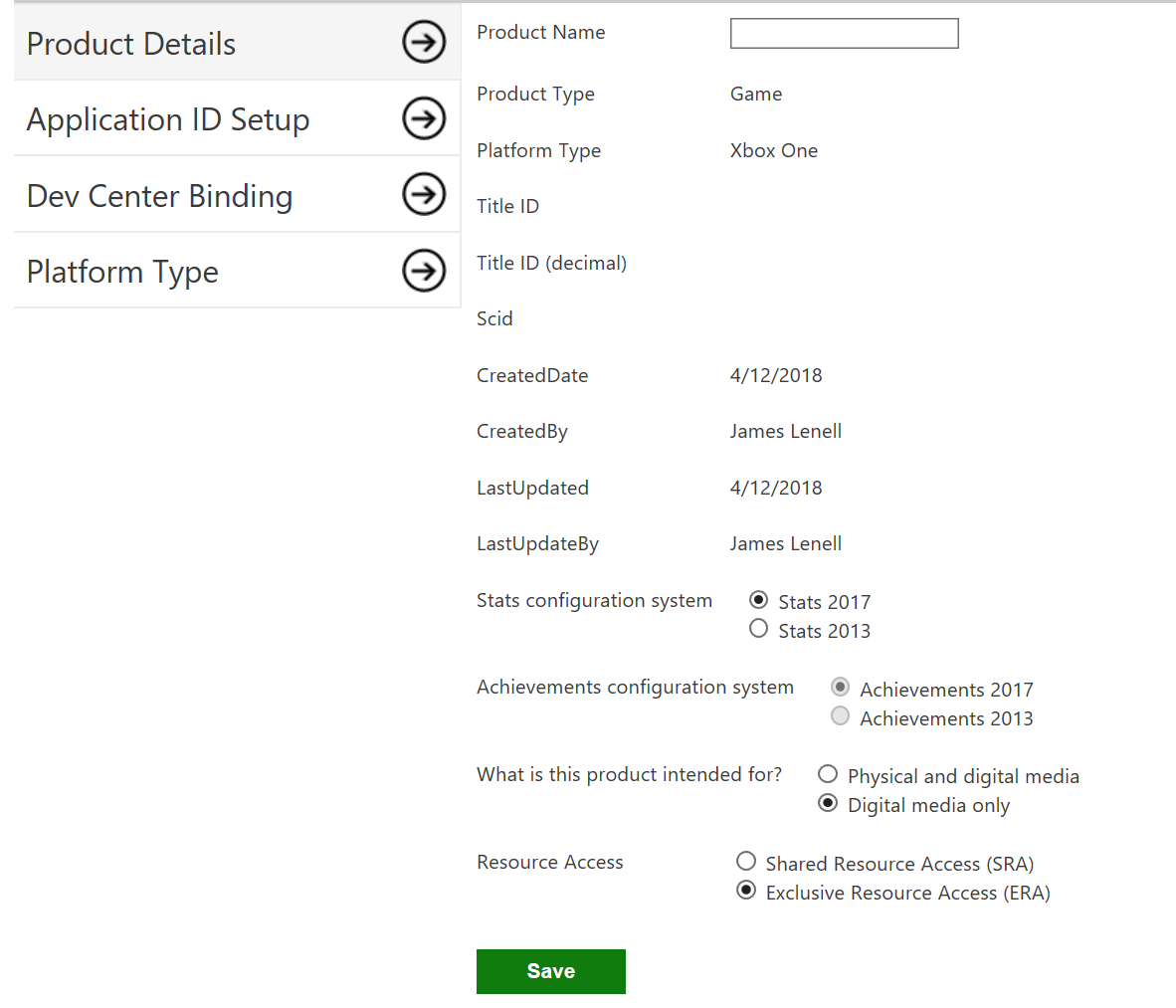
Achievements 2017 is supported by default
Achievements 2017 is the only supported Xbox Live achievement system for new titles. No action is needed to enable the Achievements 2017 system for your title.
Configure an Achievement
-
Enable Achievements 2017 for your title.
-
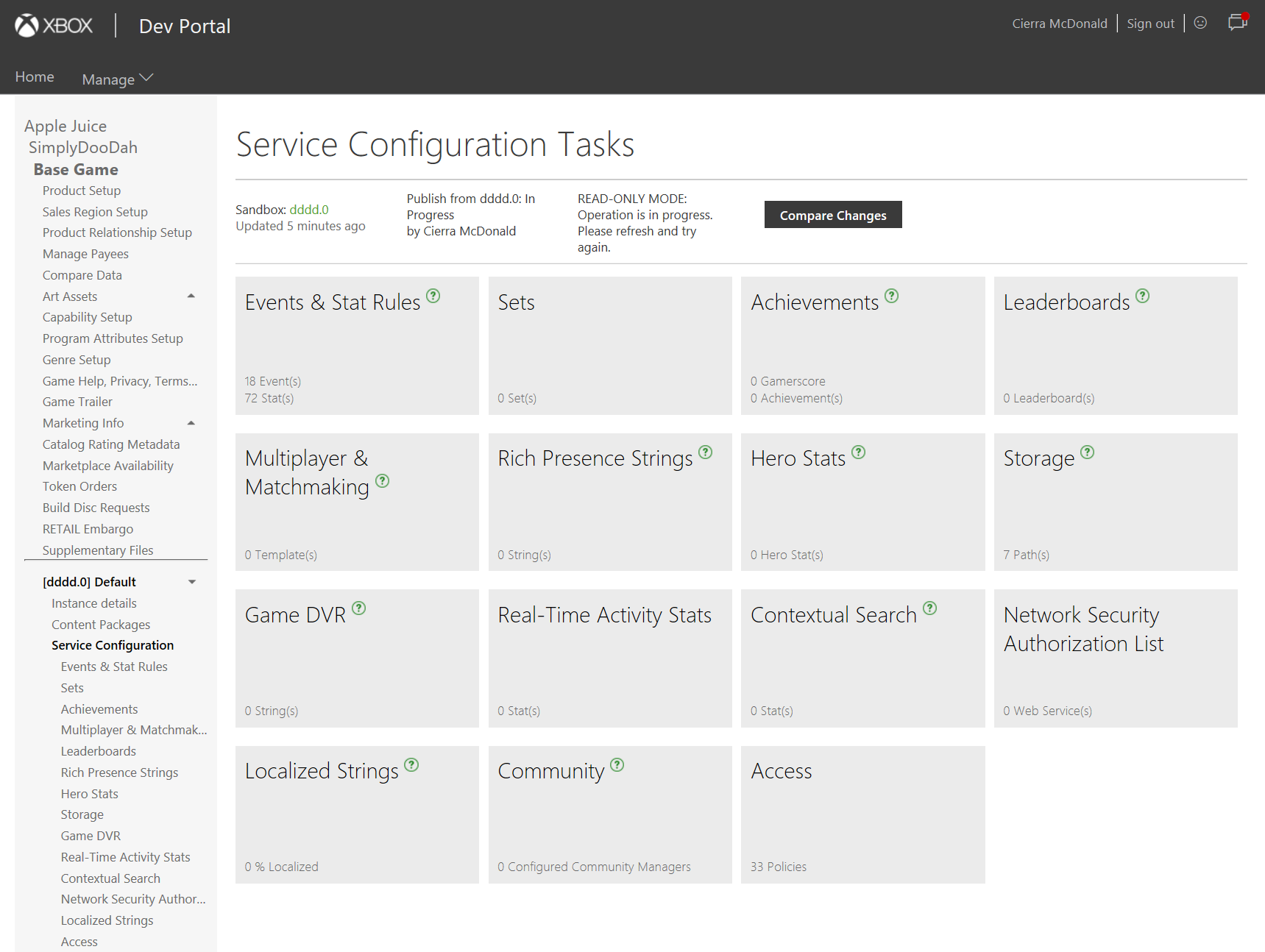
Navigate to Service Configuration and select Achievements.
-
Enter the achievement display details.
 Note
Note
These strings are used for display in the XDP UI. The final strings that will be shown to users must be configured in the “Localized Strings” service configuration option (step 5).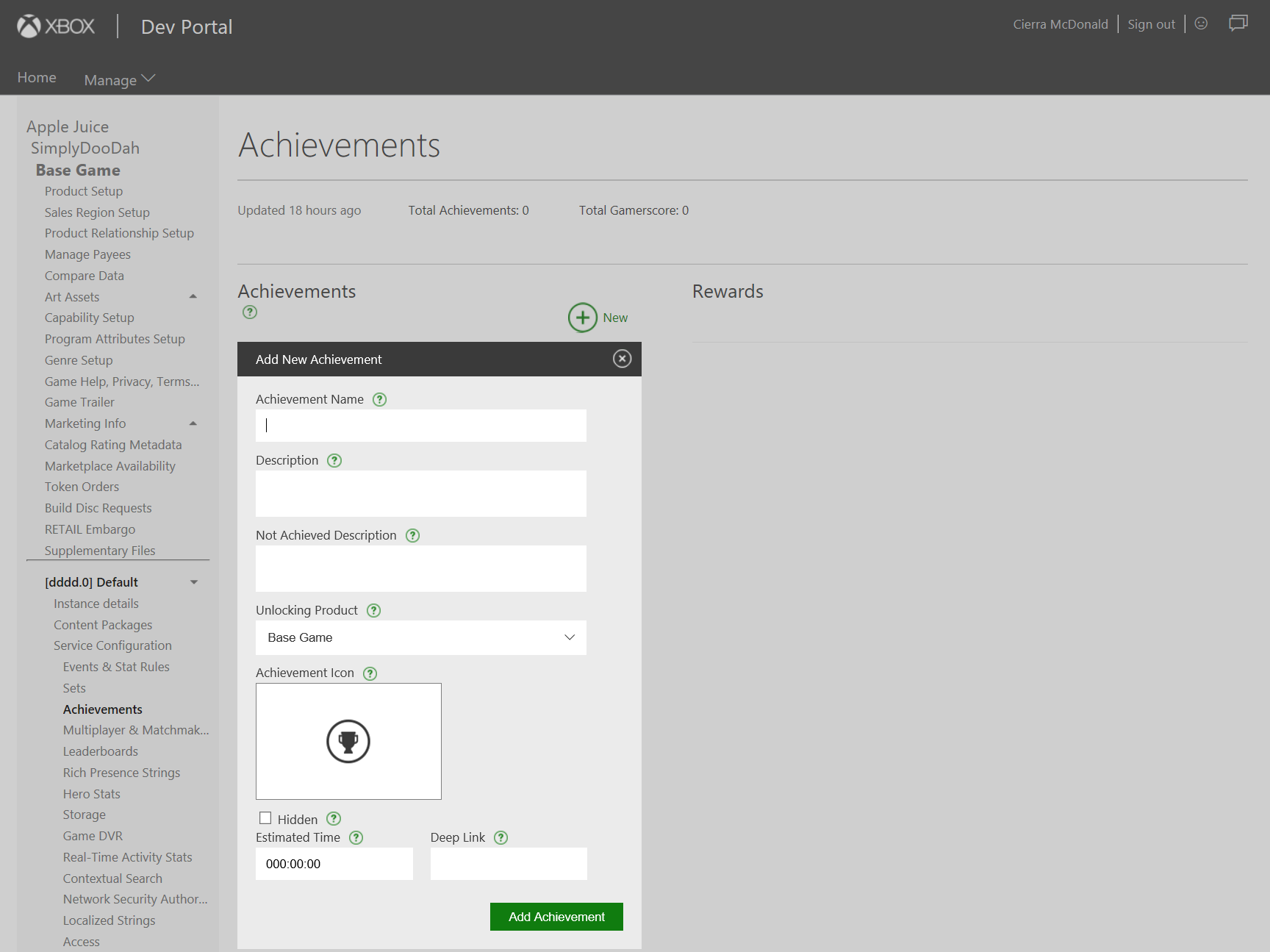
-
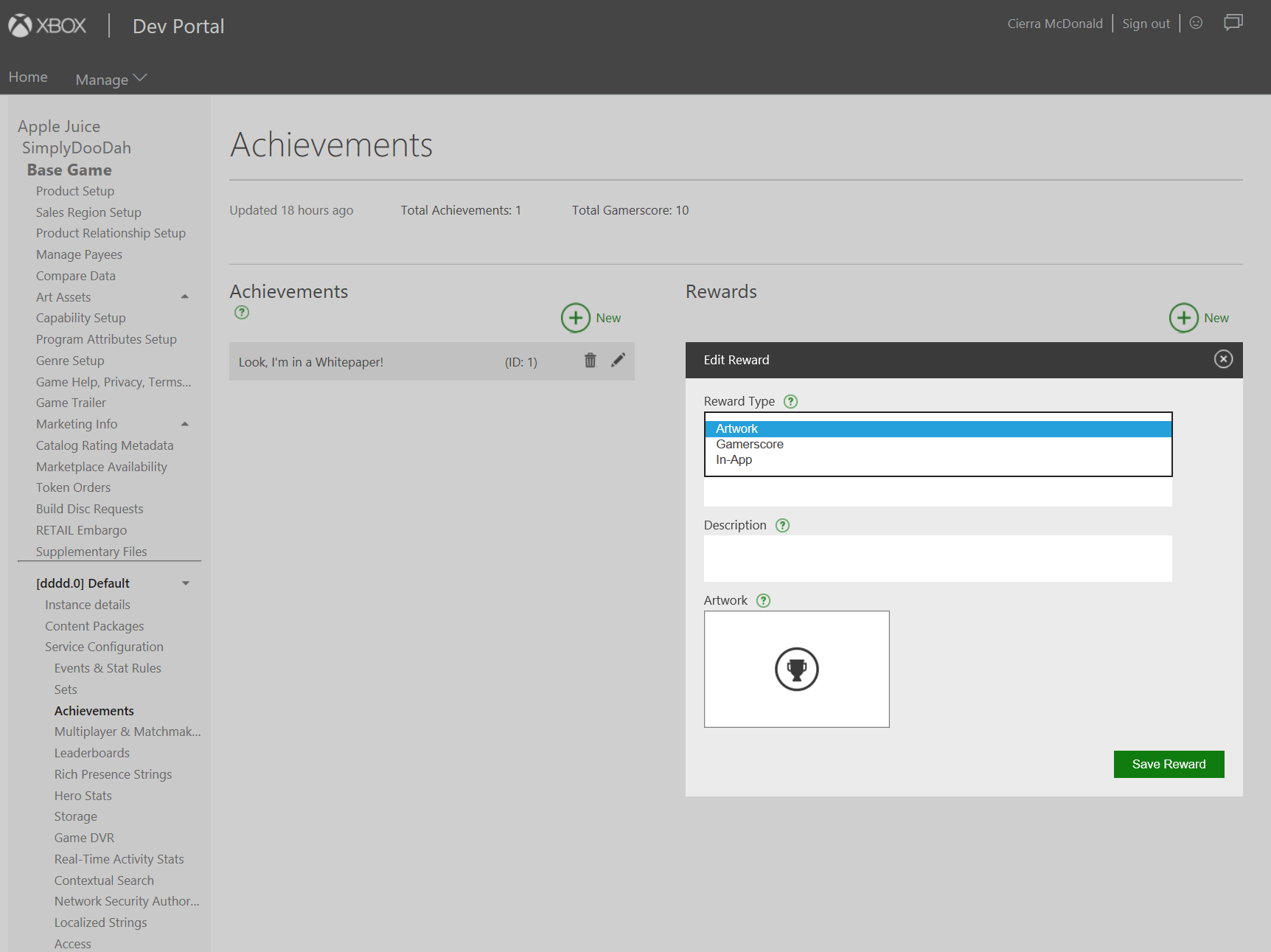
To add Gamerscore, Artwork, or In-App reward onto the achievement, click New under the Rewards section.
-
If supplying localized strings for your achievement names & descriptions, navigate to Localized Strings.
Note
Don’t forget to define your English localized strings. Otherwise, your users in non-USA countries who prefer English text may not get the expected result.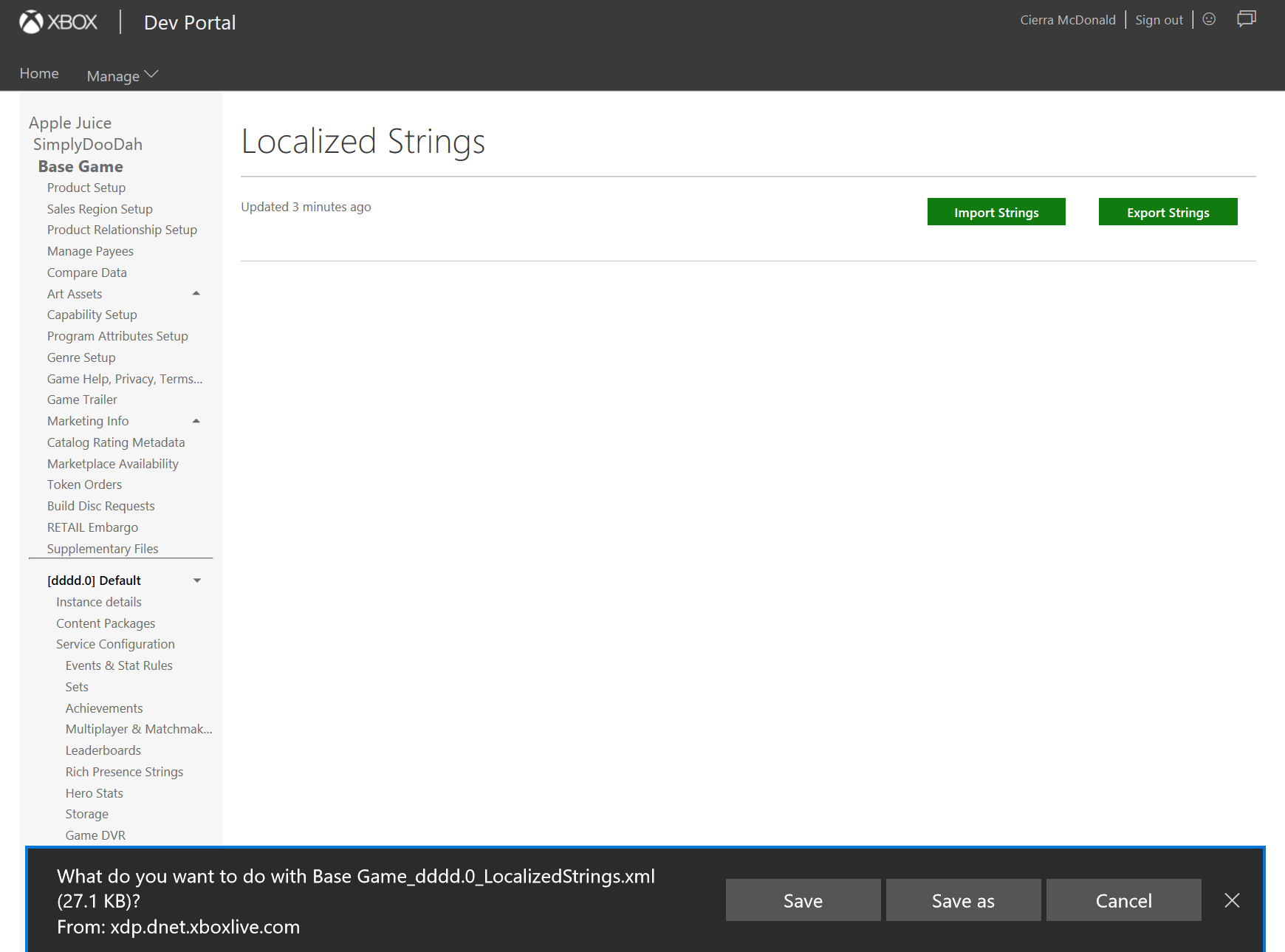
-
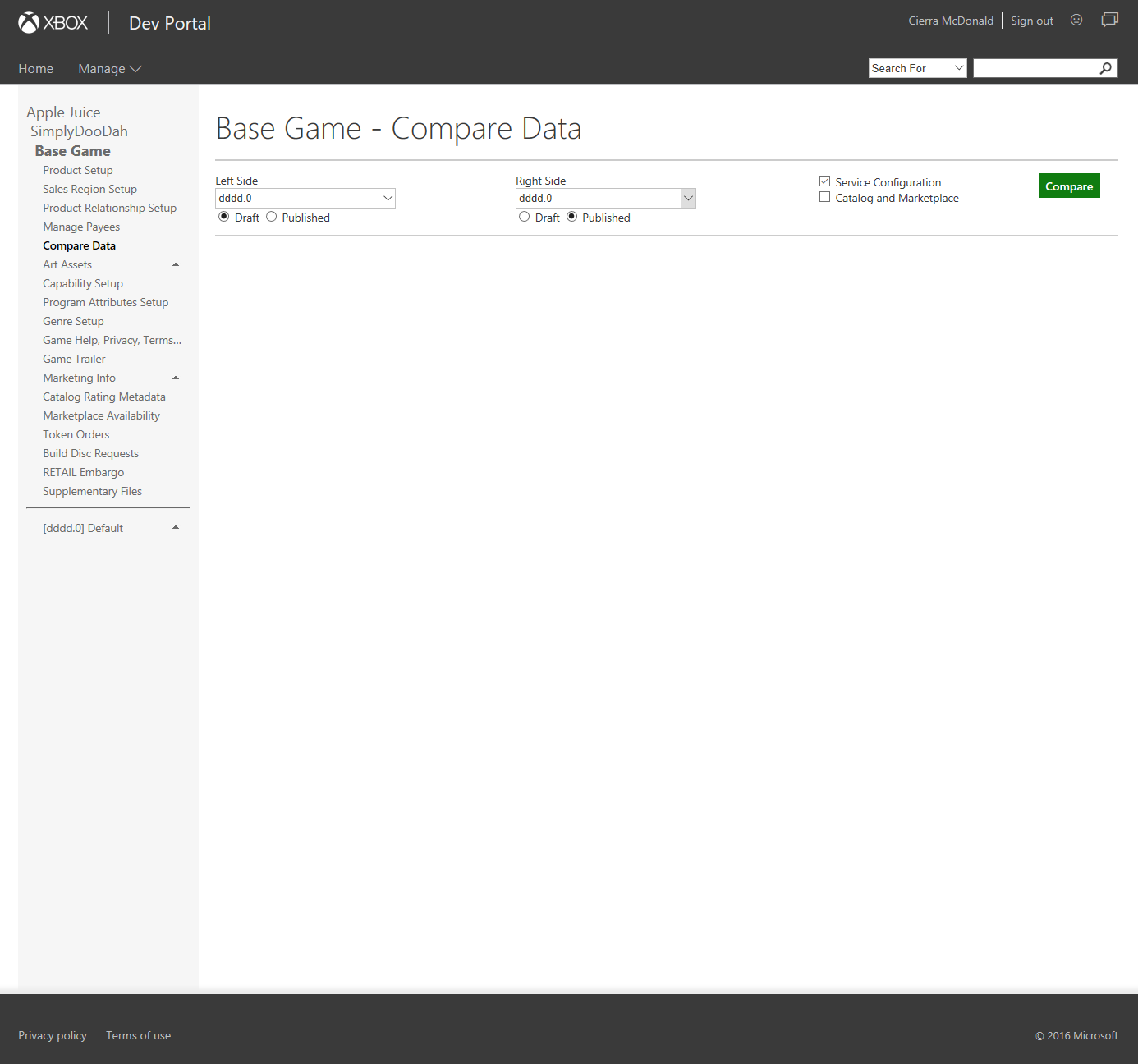
To compare your recent changes to the currently published service configuration data, navigate to Compare Data and select the desired sandboxes for comparison.
-
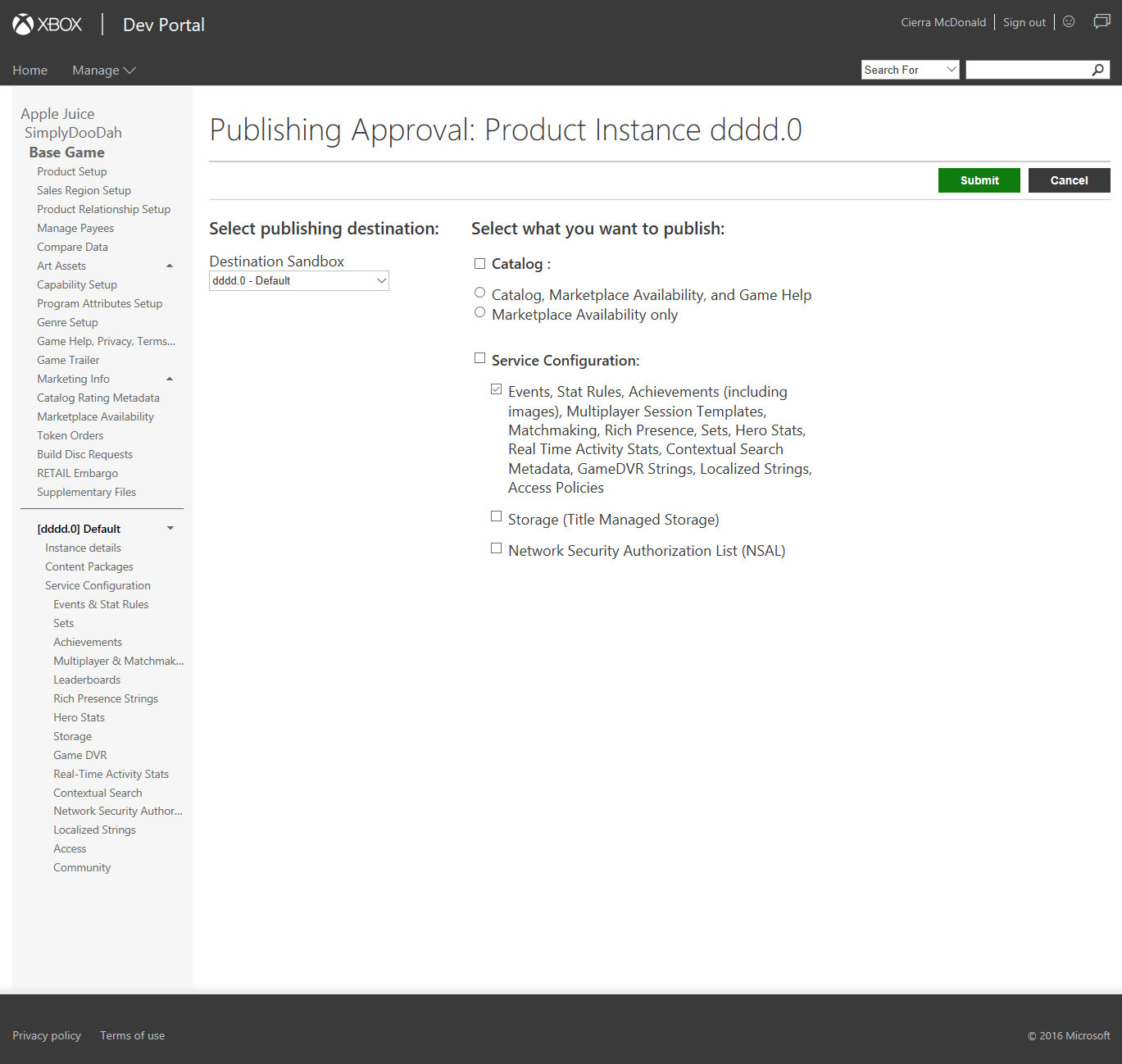
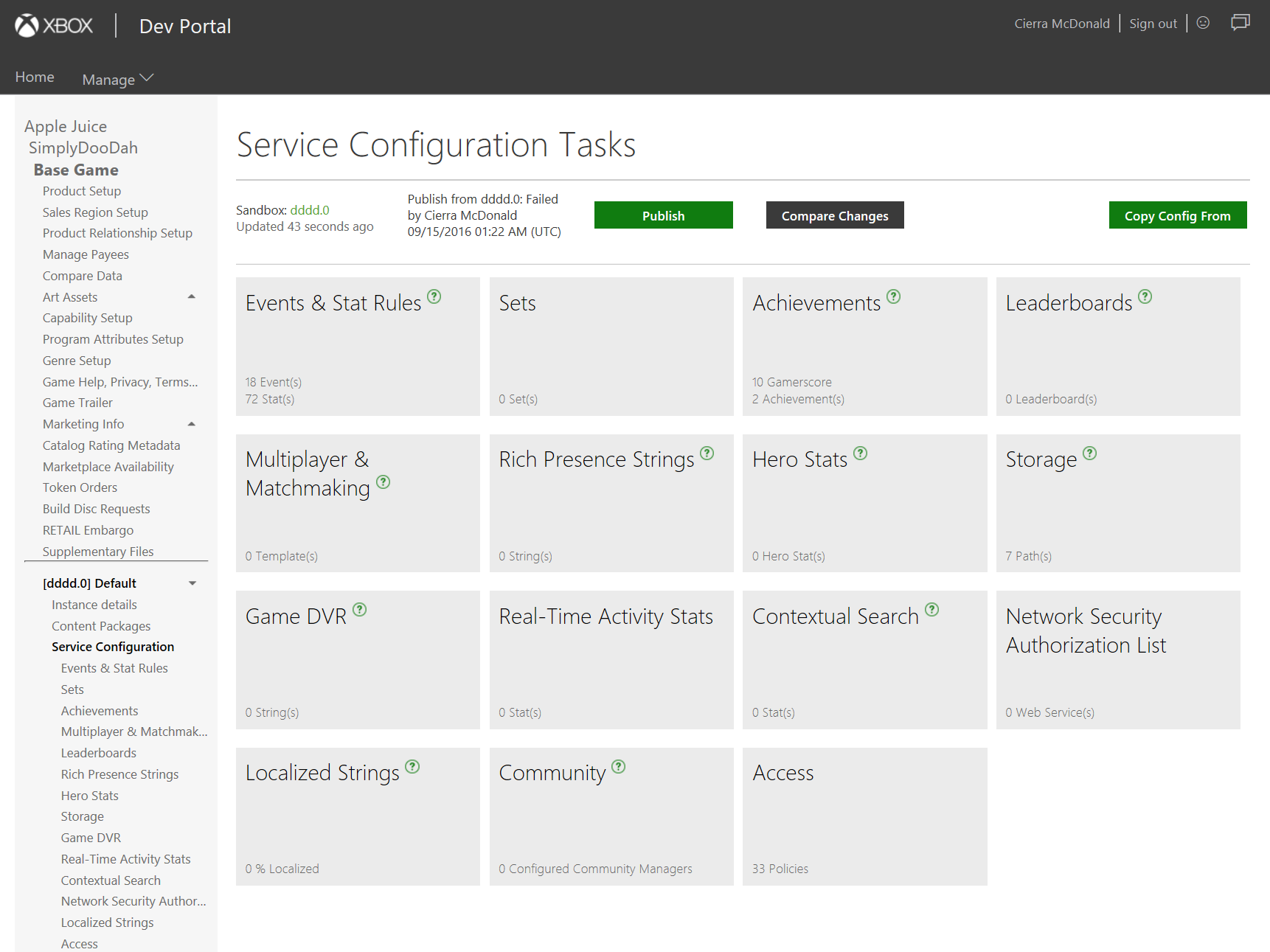
When ready to publish & test in your dev sandbox, return to Service Configuration and click the Publish button.
-
Choose the destination sandbox where you want to test (likely the same sandbox where you drafted the achievements).
Select the Events, Stat Rules, Achievements… checkbox under Service Configuration.
Click Submit.