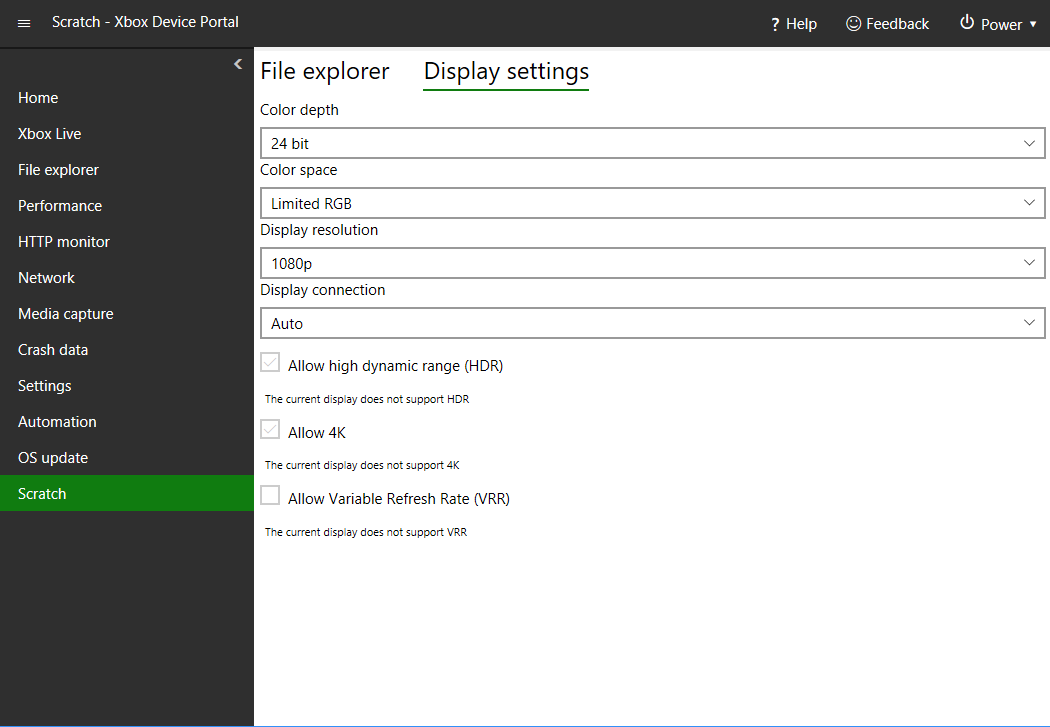
Adding Tools to Xbox Device Portal Workspaces
Additional tools can be added to any page in Xbox Device Portal allowing you customize the Xbox Device Portal interface.
To add a tool to a workspace
- Navigate to the page/workspace you want to add a tool to, for example the Scratch page.
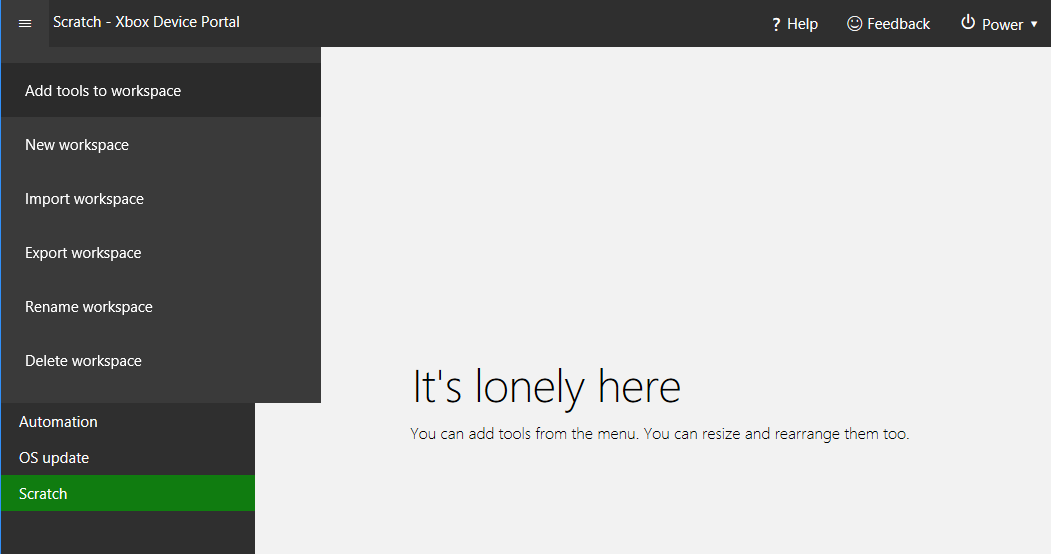
- Click the menu button, three lines icon, in the upper corner of Xbox Device Portal.
- Select Add tools to workspace in the menu that appears.
- Check the tools you want to add to the workspace.
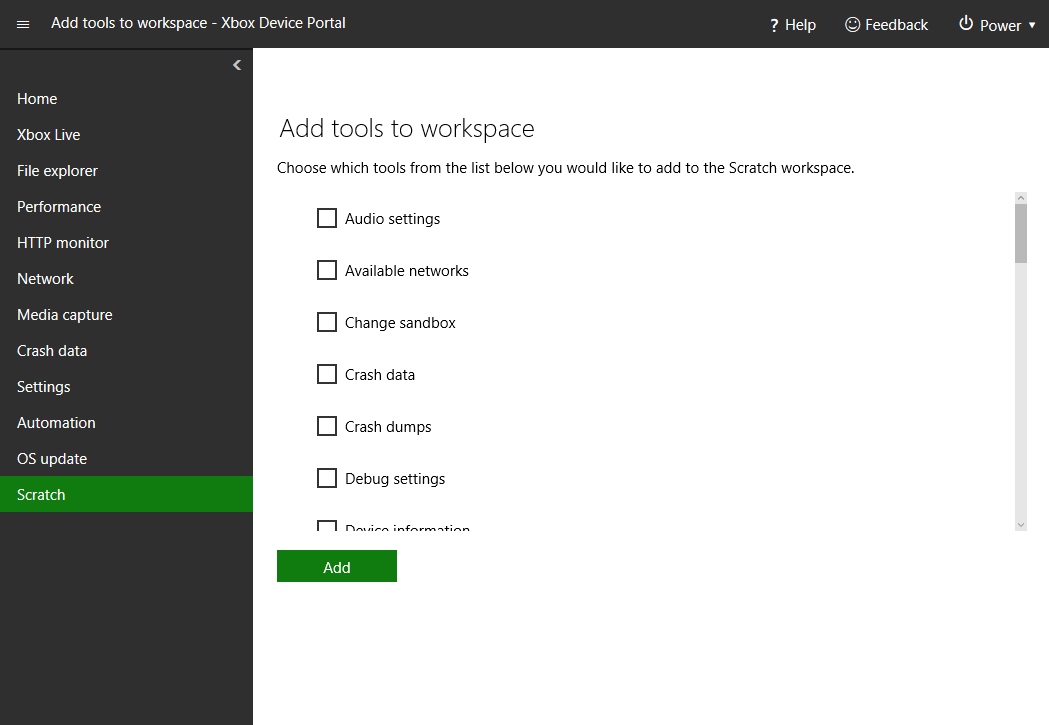
- Click the Add button.
- The tools you selected will now be visible in the current workspace. Figure 1. Scratch page with tools added