Managing Overlay Folders (Xbox Device Portal)
The My Games & Apps section of the Xbox Device Portal Home Page lists the games and apps installed on your console. From here you can configure an Overlay Folder for your game. For more information on Overlay Folders, see Debugging with Overlay Folders.
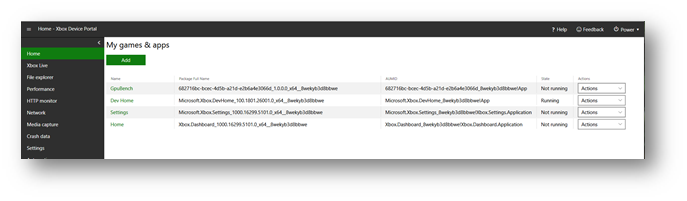
To configure an overlay folder for your game:
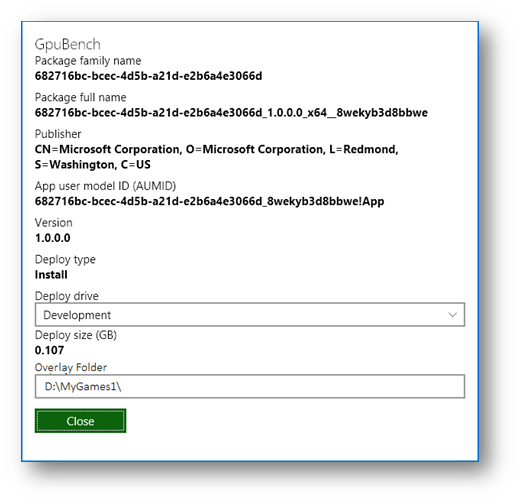
- In the My Games and Apps section, click the name of your game. The View Details dialog for your game will be shown.
- In the Overlay Folder text box, enter the Overlay Folder path you want to use for your game.
- Press the Close button.